






Built For Creators
Build Your Presence In Few Easy Steps!
Polyway gives creators and brands a fast bio page, a clean admin workspace, Google sign-in, and analytics that show what your audience actually opens.
polyway/username
Start 7-Days FreeFeatured Links
Proof
Loved by top creators












Customise your page
Launch a polished creator site in minutes.
Start from the Abdola-style bio experience, then adjust profile content, card order, sections, badges, socials, theme, layout, and sharing metadata from the dashboard.
Open dashboardProfile
Name, avatar, tagline, and domain details.
Cards
Add, hide, reorder, and style your most important links.
Socials
Keep your audience moving across every channel.
Settings
Theme, layout, metadata, favicon, and preview image.
Your Videos.Podcasts.Newsletters.Photos.Paid Products.Streams.Calendar.
All your content integrated into your personal page.
No more hiding your content behind links.
Creator designs
Every Polyway can match the creator behind it.
Bright, minimal, textured, seasonal, glossy, or playful. The public page can feel personal without making the dashboard complicated.
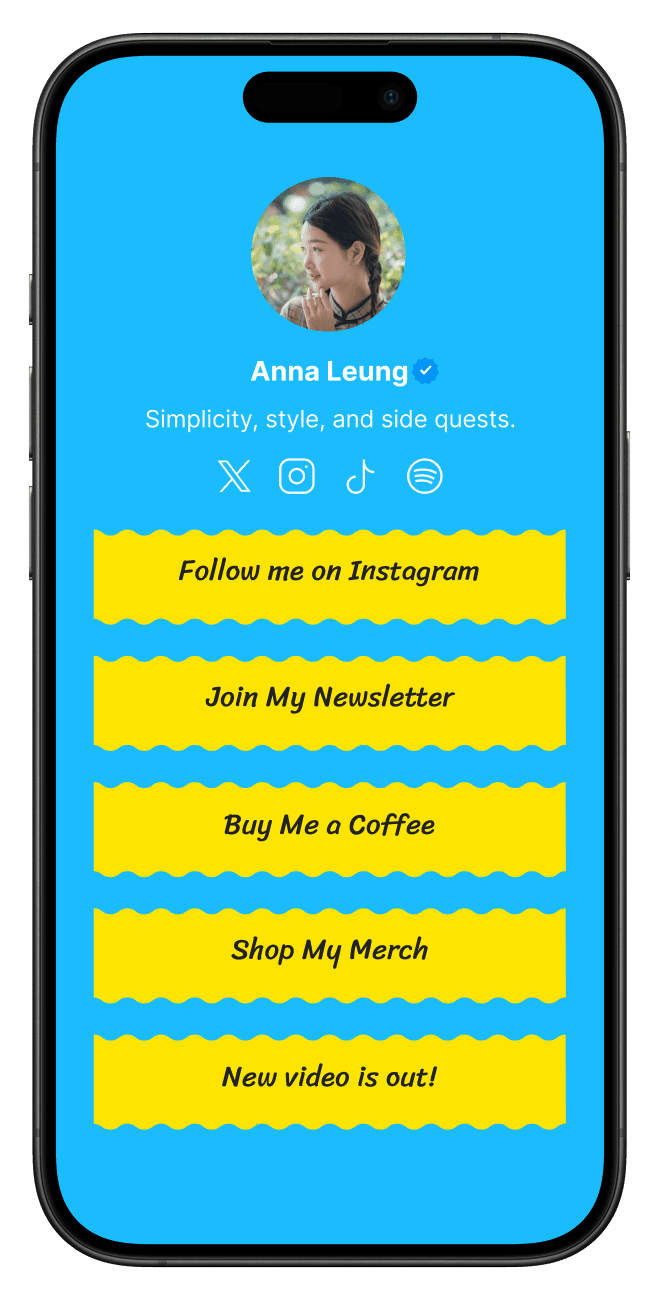
Anna Leung
Lifestyle creator
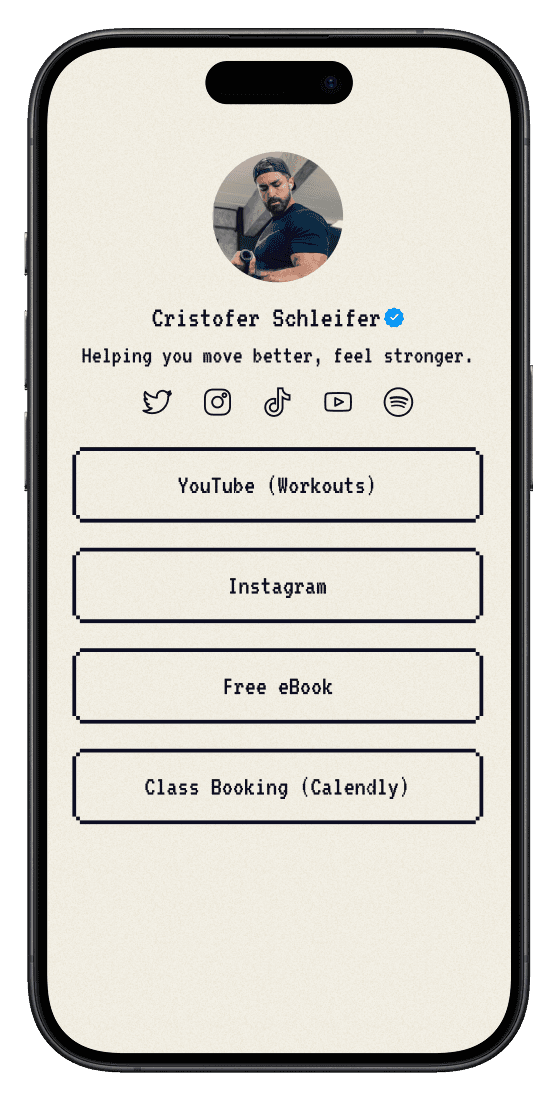
Cristoffer Schleifer
Fitness coach
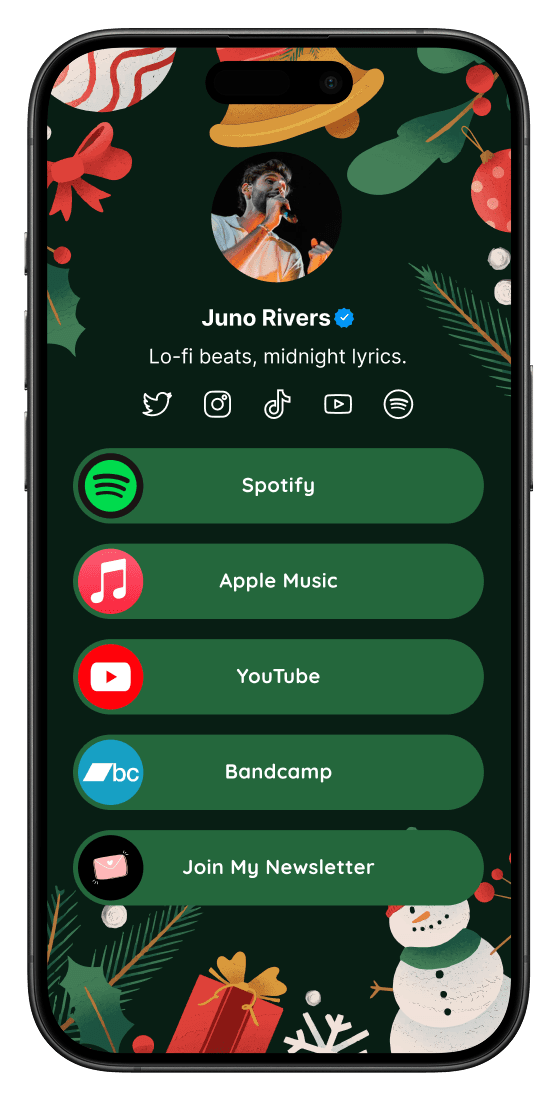
Juno Rivers
Musician
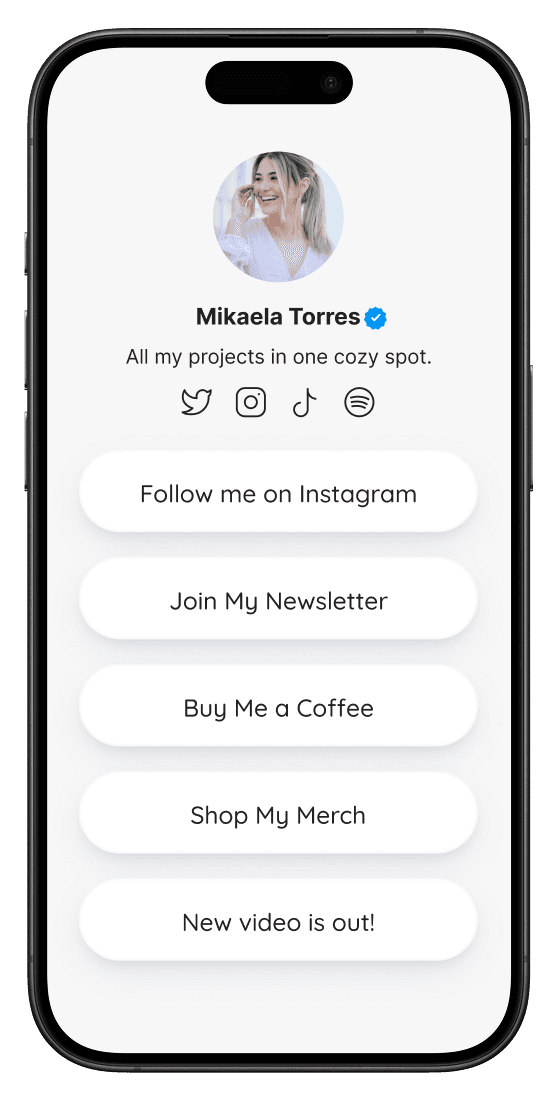
Mikaela Torres
Project curator
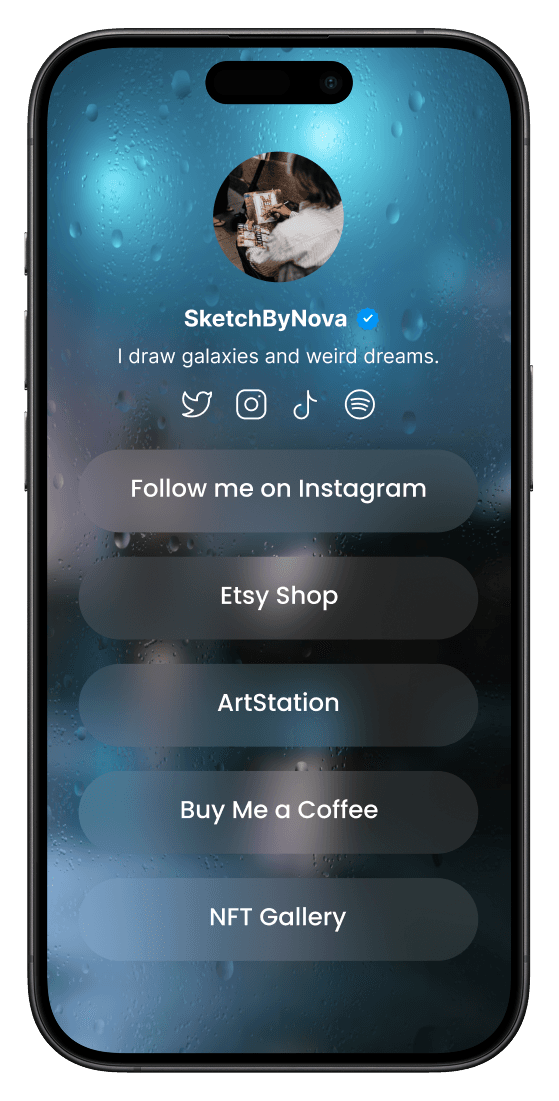
SketchByNova
Digital artist
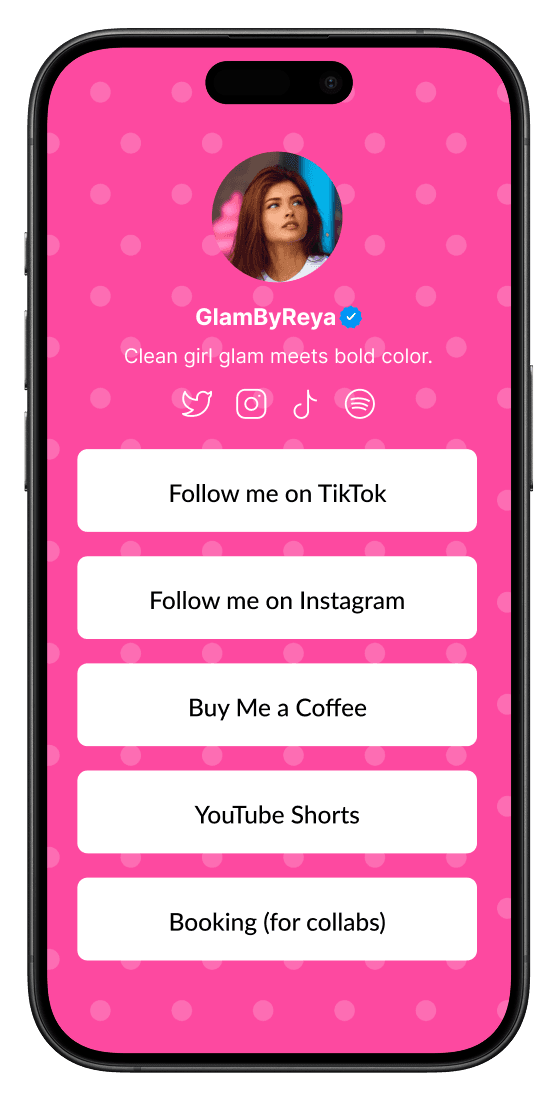
GlamByReya
Beauty creator
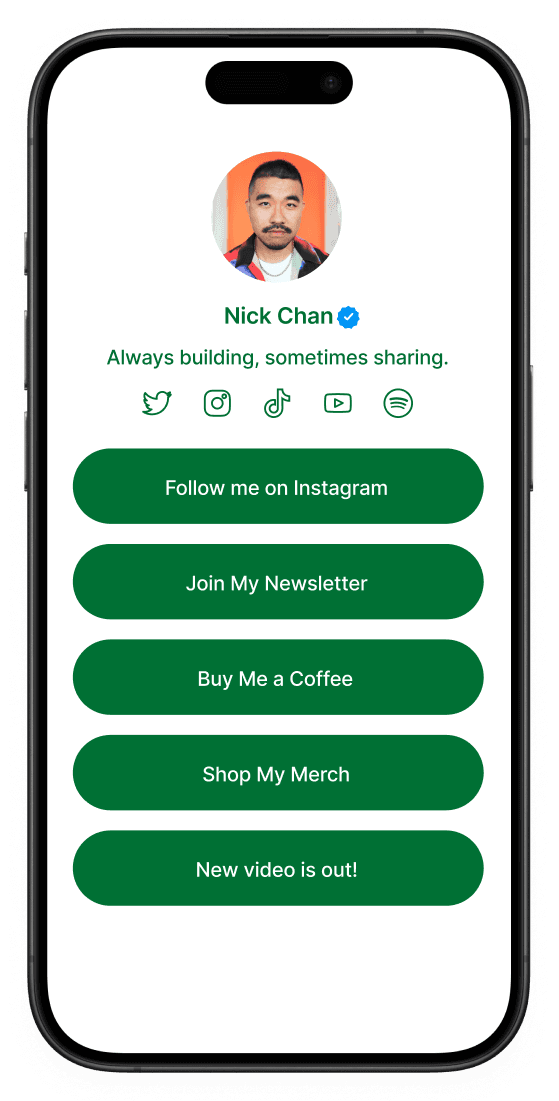
Nick Chan
Builder
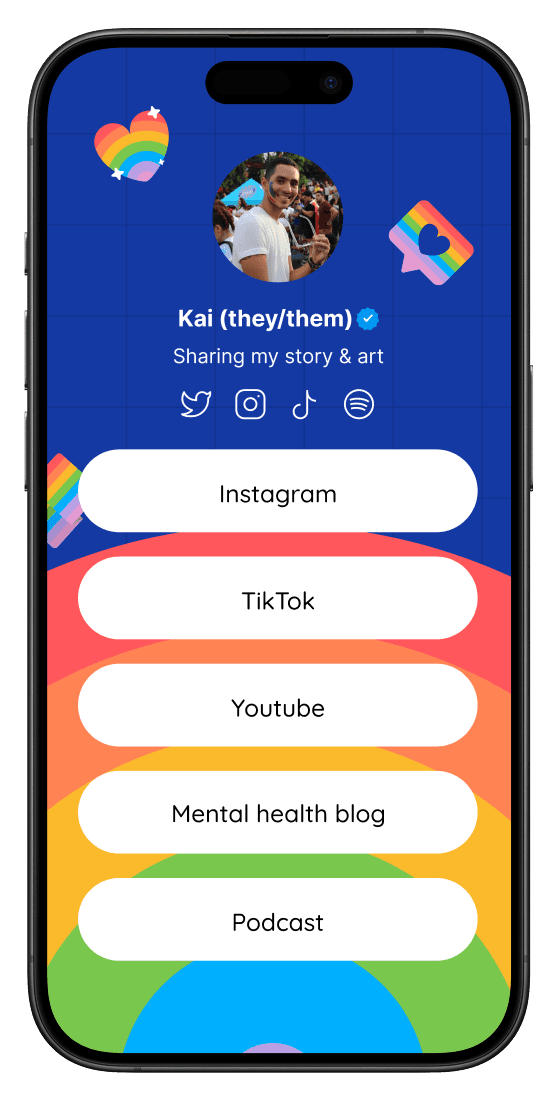
Kai
Storyteller
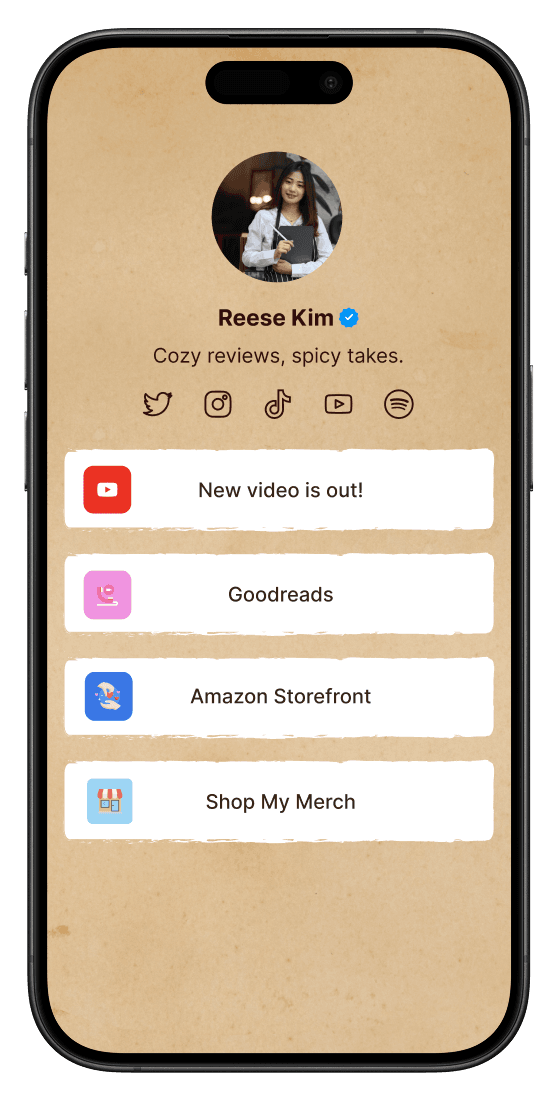
Reese Kim
Reviewer
Where should a new visitor go?
Send them to your strongest current offer.
Which card is working?
Analytics shows views, devices, pages, and referrers.
Need a quick update?
Add a section or card from the sidebar and save.
Visitor flow
Guide every click with a page you can actually maintain.
Polyway keeps the public experience simple while the admin side gives you the structure to update, test, and understand the page over time.
Features
Next level features, without the clutter.
Use your own domain
Point your audience to a branded link instead of another rented profile.
Everything for a complete bio site
Profile, socials, sections, cards, badges, preview, and settings in one dashboard.
Real time stats
Track views, visitors, devices, referrers, countries, and recent traffic.
Theme controls
Switch between clean light and dark layouts without touching code.
Fast mobile page
A compact public bio page designed for quick taps from social apps.
Share-ready links
Use it in bios, QR codes, launch posts, email signatures, and client decks.
Pricing
All core features, one simple plan.
Polyway Pro
Free while building$0/mo
Unlimited public page visits
Google login and signup
Custom cards and sections
Built-in analytics dashboard
Custom domain and share settings
Try for freeCompare
All you need, in one place.
A bio page usually turns into a stack of tools. Polyway keeps the essentials together so the workflow stays light.
Mobile-first bio page
Replaces scattered profile links
Replaces scattered profile links
$15
Admin dashboard
Replaces manual page edits
Replaces manual page edits
$20
Custom domain support
Replaces a separate landing-page tool
Replaces a separate landing-page tool
$14
Built-in analytics
Replaces basic click trackers
Replaces basic click trackers
$10
Social and card manager
Replaces link spreadsheets
Replaces link spreadsheets
$12
Separate stack
$71/mo
Polyway today
$0/mo
FAQ
Got questions?
What is Polyway?
Polyway is a standalone bio-link site with a login-protected admin dashboard for editing your profile, links, sections, socials, settings, and analytics.
How is it different from a basic link page?
It is structured like a small creator site: public bio page, landing page, card editor, analytics, Google login, custom settings, and a live preview workflow.
Can I customize the look?
Yes. The dashboard includes theme, layout, favicon, social preview image, profile, card, section, and domain settings.
Does it include blog features?
No. The admin side intentionally excludes blog editing so Polyway stays focused on the link-in-bio product.
Can I use Google to sign in?
Yes. Firebase Authentication powers Google login and signup, and logged-in users can open the dashboard from the header.
Turn your social bio into a real destination.
Sign in with Google, open the dashboard, and shape your public bio page from one focused workspace.
Add Firebase environment variables before Google sign-in can start.